
Disposable vape pens have become widely popular due to their convenience and ease of use. Designed for simplicity, they are pre-filled, pre-charged, and require no
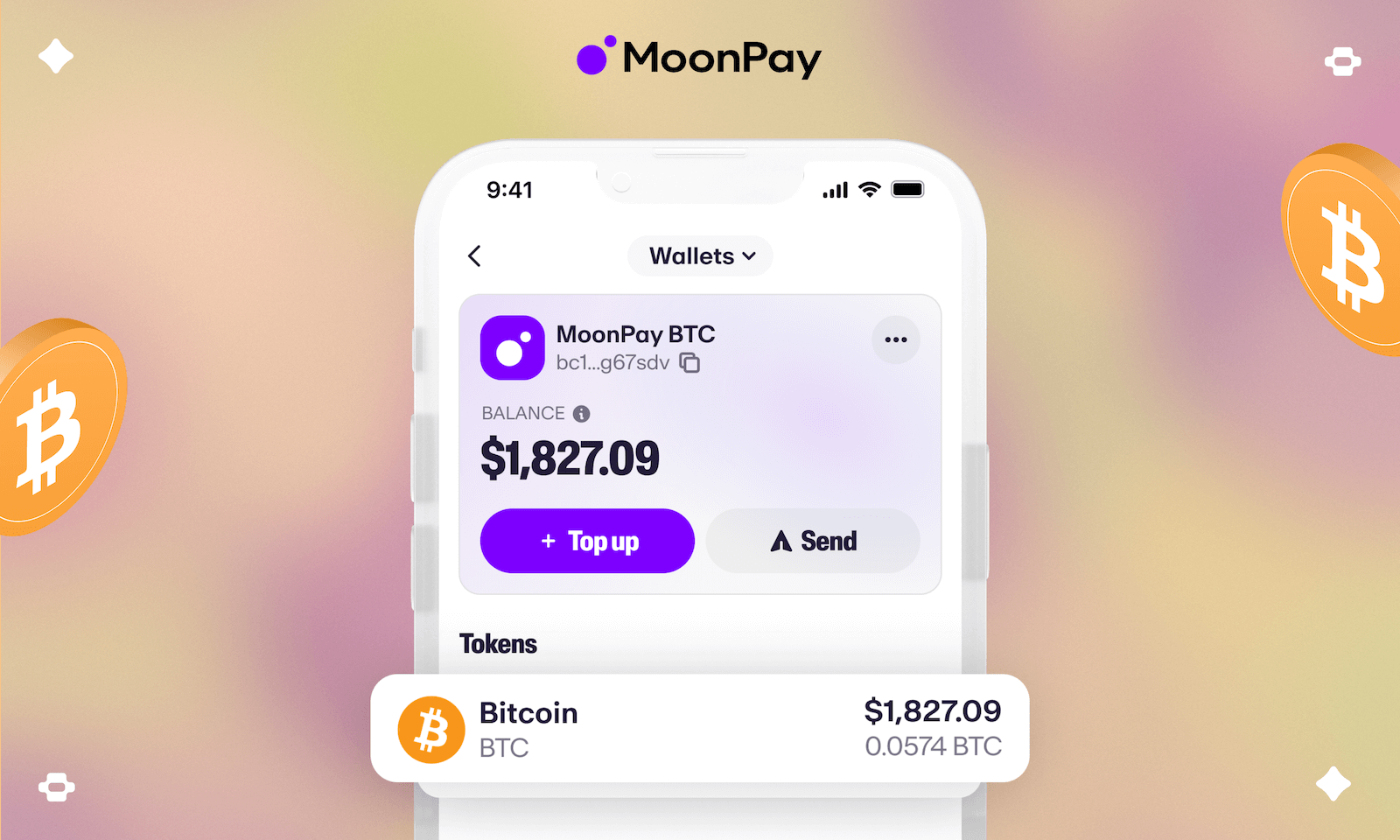
MoonPay is a powerful tool that lets you buy cryptocurrency quickly with a credit or debit card from almost anywhere in the world. It’s a perfect solution if you’re new to crypto and want a straightforward way to complete your Bitcoin payment and secure your discount.
Key Benefit: Pay with Bitcoin and instantly save 10% on your order. Apply the code at checkout!
BTC 10% Discount Code: BTC10%OFF (Enter this on your cart page)
MoonPay is a leading financial technology company that provides a seamless “on-ramp” for converting traditional money (like USD, EUR, GBP) into cryptocurrencies like Bitcoin. It operates globally in over 100 countries and is integrated into many popular wallets and apps. A key difference with MoonPay is that it typically sends the Bitcoin you buy directly to an external wallet address you specify during the purchase, rather than holding it in an account for you. This makes the process very direct.
(Official site: MoonPay)
Before you begin your purchase, please ensure you have the following:
A Verified MoonPay Account: You will need to sign up on the MoonPay website or app using your email address and create a password. You must complete their identity verification process (KYC), which involves submitting a government-issued ID. This is a standard security requirement and is usually completed quickly.
A Valid Payment Method: Have a credit or debit card (Visa/Mastercard) ready. MoonPay also supports other methods like Apple Pay, Google Pay, and local bank transfers in some regions. Debit cards are often the most reliable option.
Sufficient Funds: The minimum purchase amount is typically around $20/€20 equivalent. Ensure your payment method has enough funds to cover your order total plus any processing fees.
Our Secure Wallet Address: To ensure your Bitcoin is sent to the correct destination, you will need our unique wallet address. For a secure and error-free transaction, please [contact us] to request the correct Bitcoin wallet address for your order. You can find our contact details on the contact us page or contact us on our live chat.
Log In and Verify: Go to the MoonPay website or open the app. Log into your account and ensure your identity verification (KYC) is complete.
Select “Buy Crypto”: On the main screen, click or tap the “Buy” button.
Choose Bitcoin (BTC): Select Bitcoin (BTC) from the list of available cryptocurrencies.
Enter the Purchase Amount: Type in the amount of fiat currency you want to spend (e.g., $50.00). MoonPay will clearly display the estimated amount of Bitcoin you will receive, including all fees.
Enter the Destination Wallet Address: This is a critical step.
Contact us to receive the unique wallet address for your order.
Carefully paste this address into the “Recipient’s Bitcoin Wallet” or similar field in MoonPay.
⚠️ Security Warning: Always copy and paste the address. Never type it manually, as a single mistake will result in a permanent loss of funds. Double-check the first and last few characters after pasting.
Select Your Payment Method: Choose your preferred payment option (e.g., credit/debit card, Apple Pay). If adding a new card, you may be redirected to your bank’s authentication service (3D Secure) to authorize the payment.
Review and Confirm: Carefully review all details on the final confirmation screen: the total cost, the amount of BTC you’ll receive, the recipient address, and the fees. If everything is correct, click “Buy Now” or “Confirm.”
Complete the Transaction: MoonPay will process your payment. You will receive a confirmation email once the transaction is initiated.
Wait for Delivery: MoonPay will automatically send the Bitcoin to the address you provided. The transaction can take 20-30 minutes to be confirmed on the blockchain. You can often track its status using a link provided in your MoonPay confirmation email.
Once the Bitcoin network confirms the transaction, our system will automatically update your order status to paid.
You’ve successfully paid with Bitcoin! To claim your 10% off discount, simply enter the code below on your cart page before you complete the checkout process.
Discount Code: BTC10%OFF
We hope this guide makes using MoonPay for your purchase easy and secure. Enjoy your savings
Disposable vape pens have become widely popular due to their convenience and ease of use. Designed for simplicity, they are pre-filled, pre-charged, and require no

The “Cake She Hits Different” brand has become a notable name in the vaping market, sparking discussions about product legitimacy and user safety. This article
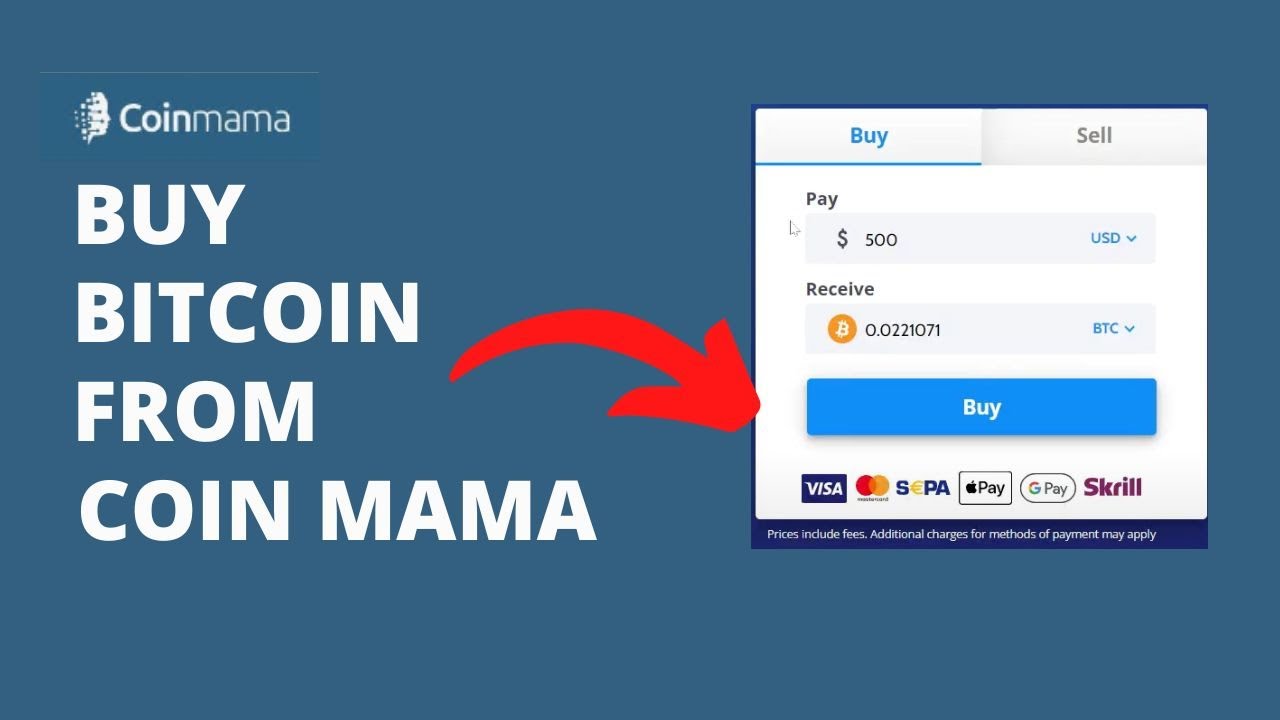
Coinmama is a well-established cryptocurrency broker that allows you to buy Bitcoin quickly with a credit or debit card. It’s known for its high purchase
MoonPay is a powerful tool that lets you buy cryptocurrency quickly with a credit or debit card from almost anywhere in the world. It’s a


