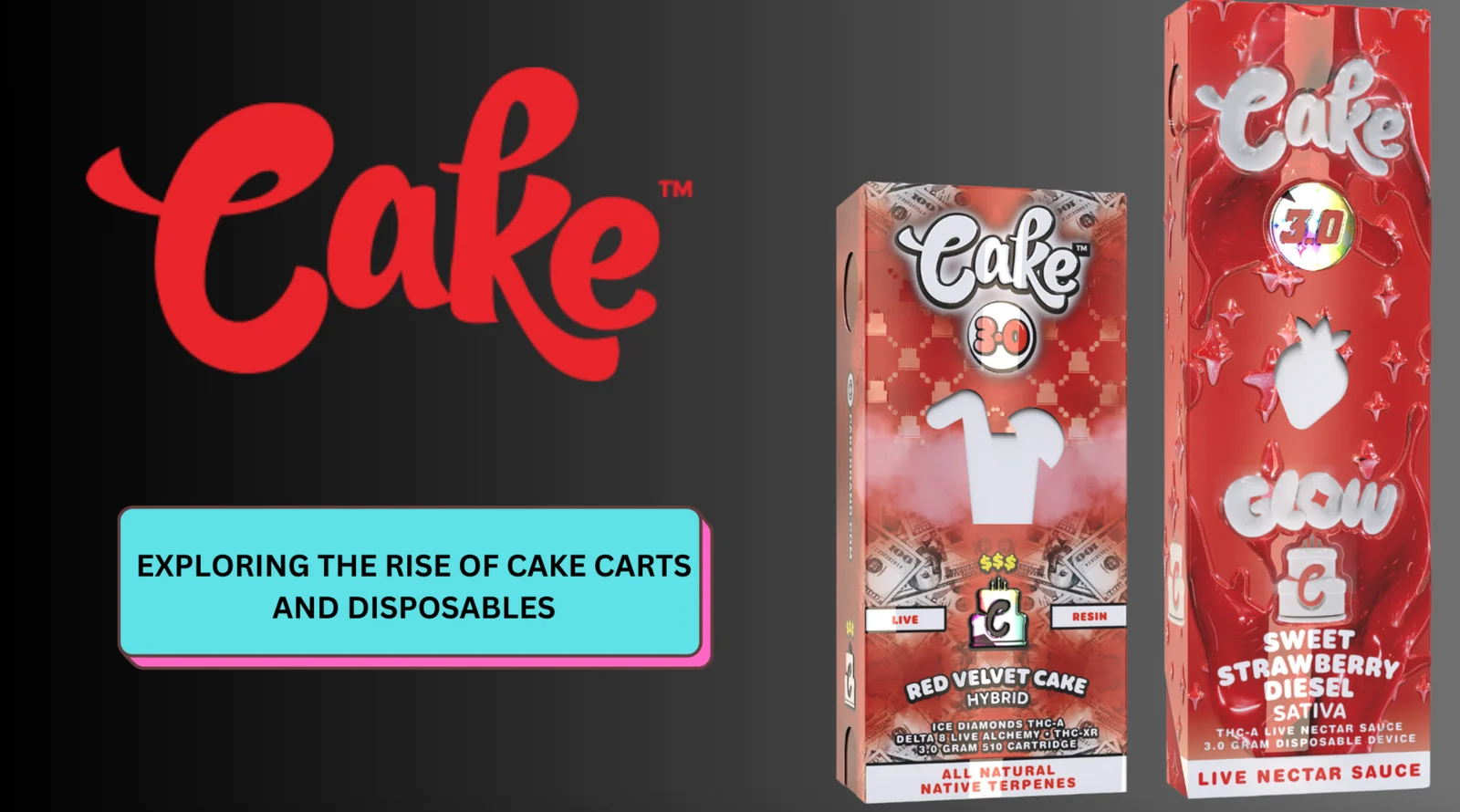
Disposable vape pens have become widely popular due to their convenience and ease of use. Designed for simplicity, they are pre-filled, pre-charged, and require no
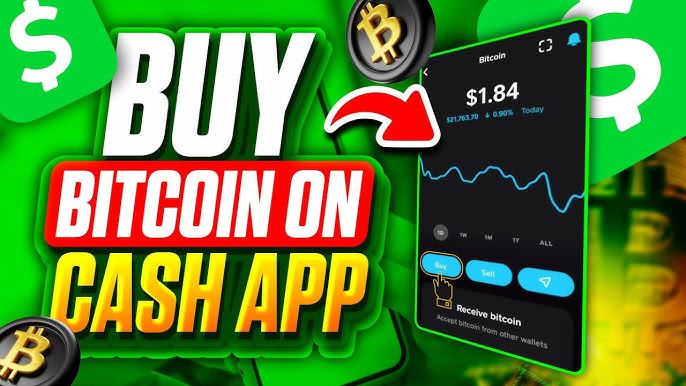
Want a quick and easy 10% discount on your next order? Pay with Bitcoin! Using an app like Cash App makes buying and sending Bitcoin simple, even if you’re new to crypto. This guide will walk you through the entire process.
Remember: Pay with Bitcoin at checkout and instantly save 10%! Just apply the discount code during your purchase.
BTC 10% Discount Code: BTC10%OFF (Enter this on your cart page)
Cash App is a popular mobile payment service (available in the US and UK) that lets you send money to friends and family. Beyond that, it also has a built-in feature that allows you to buy, sell, and send Bitcoin directly from the app. Its clean, user-friendly interface makes it a great choice for beginners.
Please Note: To use Cash App’s Bitcoin features, you must be a verified user in the United States or the UK.
(Official site: Cash App)
Before you can buy Bitcoin, make sure you have the following:
A Verified Cash App Account: Download the app and sign up. You will need to complete their identity verification process (providing your name, date of birth, and possibly a photo of your ID). This standard “Know Your Customer” (KYC) process is required by law.
A Linked Payment Method: Connect your bank account or a debit card to your Cash App to fund your Bitcoin purchases. (Note: Credit cards cannot be used to buy crypto on Cash App).
Funds: You can start small! Cash App allows you to buy as little as $1 worth of Bitcoin. Just make sure you have enough to cover your order total.
Open the Investing Tab: Launch your Cash App and tap the “Investing” tab on the bottom of the screen (it looks like a graph or chart).
Select Bitcoin: Tap on “Bitcoin” from the investing options.
Press “Buy”: Tap the green “Buy” button.
Enter Your Amount: Type in the amount of US Dollars you want to spend on Bitcoin (e.g., $500.00).
Review and Confirm: Cash App will show you a summary of your purchase, including any small fees. Double-check the details and tap “Confirm.” You will likely need to enter your PIN or use Touch/Face ID to authorize the transaction.
Completion: That’s it! The Bitcoin will be instantly credited to your Cash App Bitcoin balance.
Congratulations, you now own Bitcoin! 🎉
Now that you have Bitcoin in your Cash App, you need to send it to us to complete your payment.
⚠️ Important Security Tip: Always copy and paste cryptocurrency addresses or use a QR code scanner. Never type them out manually, as a single wrong character can result in a permanent loss of funds.
Get Our Secure Wallet Address: To protect your transaction, we provide a unique Bitcoin wallet address for each order. Please [contact us directly] to request the correct wallet address for your payment. You can find our contact information on the CONTACT US page or in your order confirmation email or contact us directly on our live chat.
Initiate the Send Process: In the Cash App, go back to the “Bitcoin” section. This time, look for and tap the “Send” button (it may also look like a paper airplane icon ➡️).
Enter the Destination Address: Paste the unique wallet address we provided into the “To” field.
Enter the Payment Amount: Input the exact amount of Bitcoin you need to send for your order.
Review Everything: Carefully review the transaction details. Ensure the receiving address and the amount are 100% correct.
Confirm and Send: Tap “Send” or “Confirm” and authorize the transaction with your PIN or biometrics. Cash App will then process the transaction to the Bitcoin network.
Wait for Confirmation: The transaction will typically take 10-30 minutes to be confirmed on the blockchain. You can track its progress within Cash App.
Once the network confirms the transaction, our system will automatically mark your order as paid. Thank you for your order!
Paying with Bitcoin automatically qualifies you for 10% off your entire order. To claim your savings, simply apply the coupon code on your cart page before completing checkout.
Discount Code: BTC10%OFF
Disposable vape pens have become widely popular due to their convenience and ease of use. Designed for simplicity, they are pre-filled, pre-charged, and require no

The “Cake She Hits Different” brand has become a notable name in the vaping market, sparking discussions about product legitimacy and user safety. This article
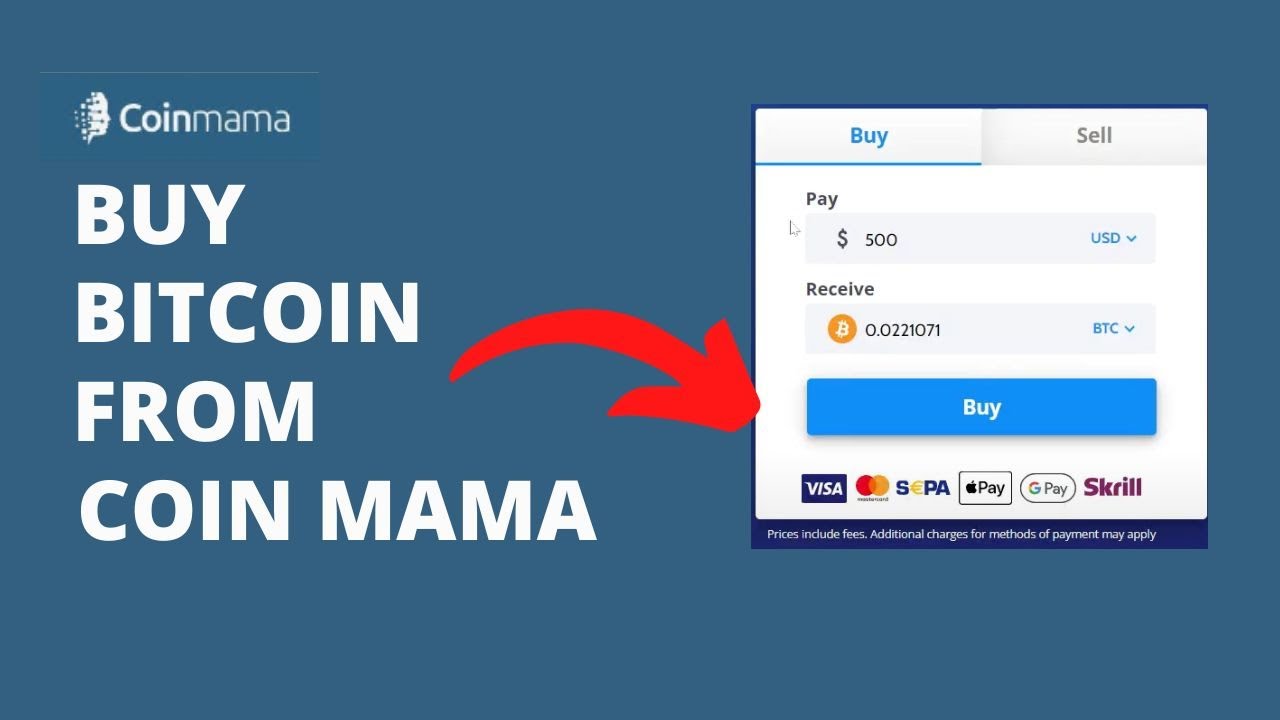
Coinmama is a well-established cryptocurrency broker that allows you to buy Bitcoin quickly with a credit or debit card. It’s known for its high purchase
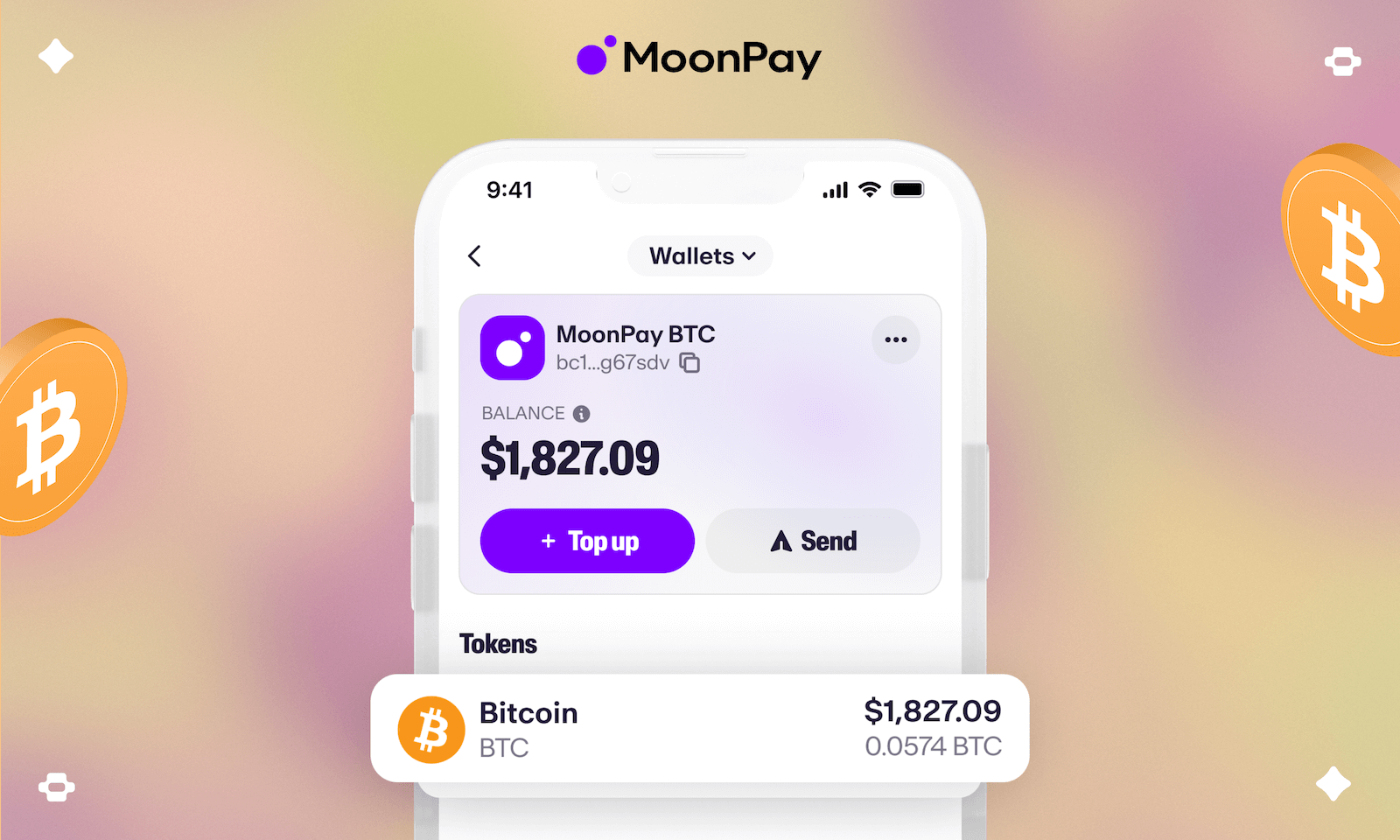
MoonPay is a powerful tool that lets you buy cryptocurrency quickly with a credit or debit card from almost anywhere in the world. It’s a


